freeTrialImage.bannerPity
freeTrialImage.upgradeUnlock
- ✓freeTrialImage.benefitHd
- ✓freeTrialImage.benefitWatermark
- ✓freeTrialImage.benefitUnlimited
All Tools
Browse AI tools
MiniMax H3
MiniMax H3 AI Video Generator

Seedance 2.0
The Future of AI Video Is Here.

Kling 3.0
Next-Gen AI Video Generator
Grok Video Generator
Create Videos from Text or Images with AI
MiniMax H3 video generator
MiniMax H3 AI Video Generator

Seedance 2.0
The Future of AI Video Is Here.
Gemini Omni
Gemini Omni Video Generator

Nano Banana2
Best Image Generator

GPT Image 2 + Nano Banana2 ALL Free
Seedance 2.0 AI Video Generator — The Future of AI Video Is Here
Veo3 Video Generator
Veo 3.1 - Create Stunning Videos Now!
Kling 3 Is Here
Kling 3 - See the Sound, Hear the Visual.
AI Video Effects
AI Effects - Create Funny Videos Easy!
Agnes AI Video Generator
Agnes AI Video Generator is a multi-modal AI video platform that turns text, images, audio and footage into cinematic short videos. Reference motion, camera moves, characters and sounds directly; extend or edit clips while preserving consistency and style for production-ready results.
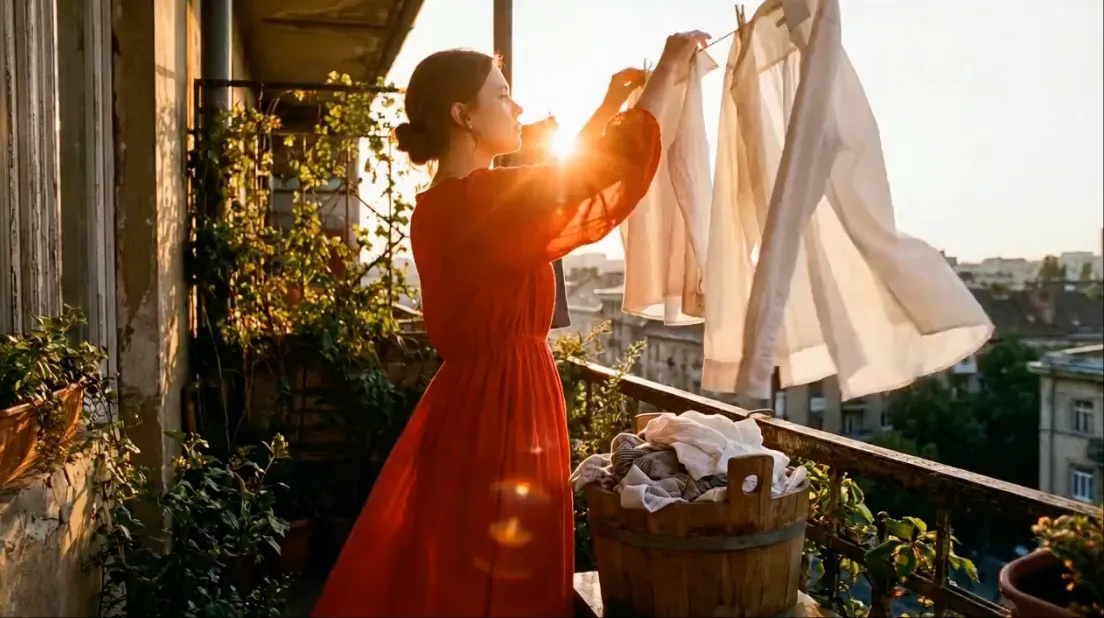
Agnes AI Video Generator — Multi‑Modal Video Creation
Agnes AI Video Generator brings Seedance‑style multi‑modal control to short video creation: combine images, video clips, audio and natural‑language prompts to produce consistent, cinematic outputs that you can extend and edit.
- Multi‑Modal InputUse images, short videos or audio plus text to express complex references for Agnes AI Video Generator's model.
- Reference AnythingPoint to motion, camera moves, visual effects or character appearance and the model replicates those cues in your output.
- Fast Iteration & EditGenerate, extend or edit clips while keeping faces, clothing and style consistent across frames with Agnes AI Video Generator.
How Agnes AI Video Generator Works
Create multi‑modal videos in three steps using Agnes AI Video Generator: upload assets, describe the reference, then generate and iterate until you have the final clip.
Agnes AI Video Generator Features
Key capabilities inspired by Seedance: multi‑modal references, tight character consistency, precise motion replication, video extension and integrated audio generation for finished clips.
Multi‑Modal Input
Upload up to several images, short videos and audio files to guide Agnes AI Video Generator's output with rich, combined references.
Reference Anything
Point to choreography, camera moves, effects or a visual style and Agnes AI Video Generator will reproduce those elements in your clip.
Superior Consistency
Keep faces, clothing and styling stable across frames so characters and scenes remain coherent over the whole video.
Precise Motion & Camera
Replicate complex choreography and cinematic camera movements by providing a short reference video for Agnes AI Video Generator to copy.
Extend & Edit Videos
Seamlessly extend clips, merge scenes or edit segments without losing continuity — ideal for content iteration and VFX prep.
Built‑in Audio Generation
Automatically generate context‑aware sound effects and background music, with beat‑sync options for dance and music content.
Agnes AI Video Generator — Frequently Asked Questions
Answers about inputs, references, editing and output quality for Agnes AI Video Generator.
What is Agnes AI Video Generator?
Agnes AI Video Generator is a multi‑modal AI video model that supports text, images, video and audio as inputs. It lets you reference motion, camera work, characters and sounds to produce controllable short videos.
Do I need design experience?
No. Upload references and use simple natural‑language prompts — Agnes AI Video Generator understands @‑references and executes them without complex technical skills.
What inputs can I use?
Use images (up to multiple references), short videos (reference clips) and audio files together with text prompts to guide Agnes AI Video Generator's synthesis.
How do I iterate and pick the best result?
Generate drafts, upload results as new references, and refine prompts or assets — Agnes AI Video Generator is optimized for rapid iteration and targeted edits.
What output quality can I expect?
Agnes AI Video Generator produces production‑ready short videos at multiple resolutions and aspect ratios (including 9:16 for socials and up to 1080p for final delivery).
Can I reuse prompts and templates?
Yes — save prompts and reference templates to keep consistent visual language across projects created with Agnes AI Video Generator.
Start Creating with Agnes AI Video Generator
Turn references into cinematic short videos—generate, refine and download production‑ready clips with Agnes AI Video Generator.